9Xtream – The Best IPTV Subscription

How to Use IPTV: A Comprehensive Guide
Getting Started with IPTV
1. Select a Reliable IPTV Provider
The first step in using IPTV is to choose a reliable provider. Ensure that the provider offers a wide range of channels, high-quality streaming, and excellent customer support. At 9Xtream, we offer a comprehensive selection of channels and top-notch service. Visit 9Xtream to explore our offerings.
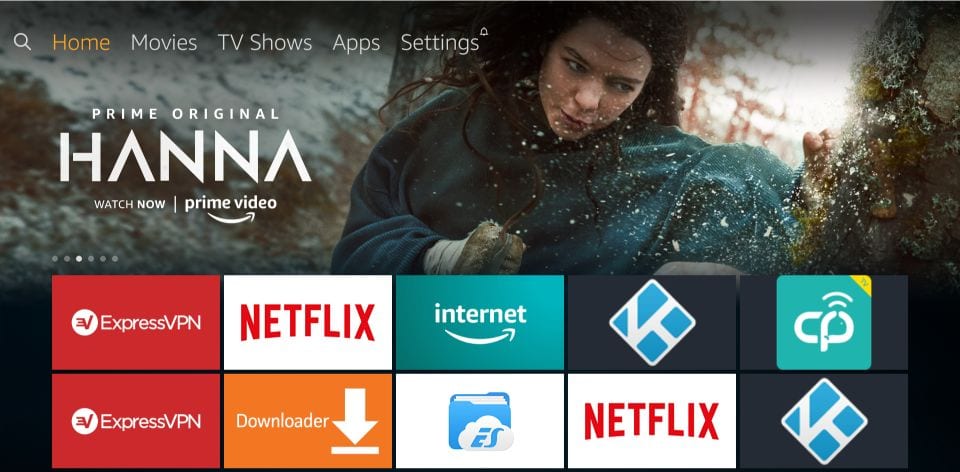
2. Choose Your Subscription Plan
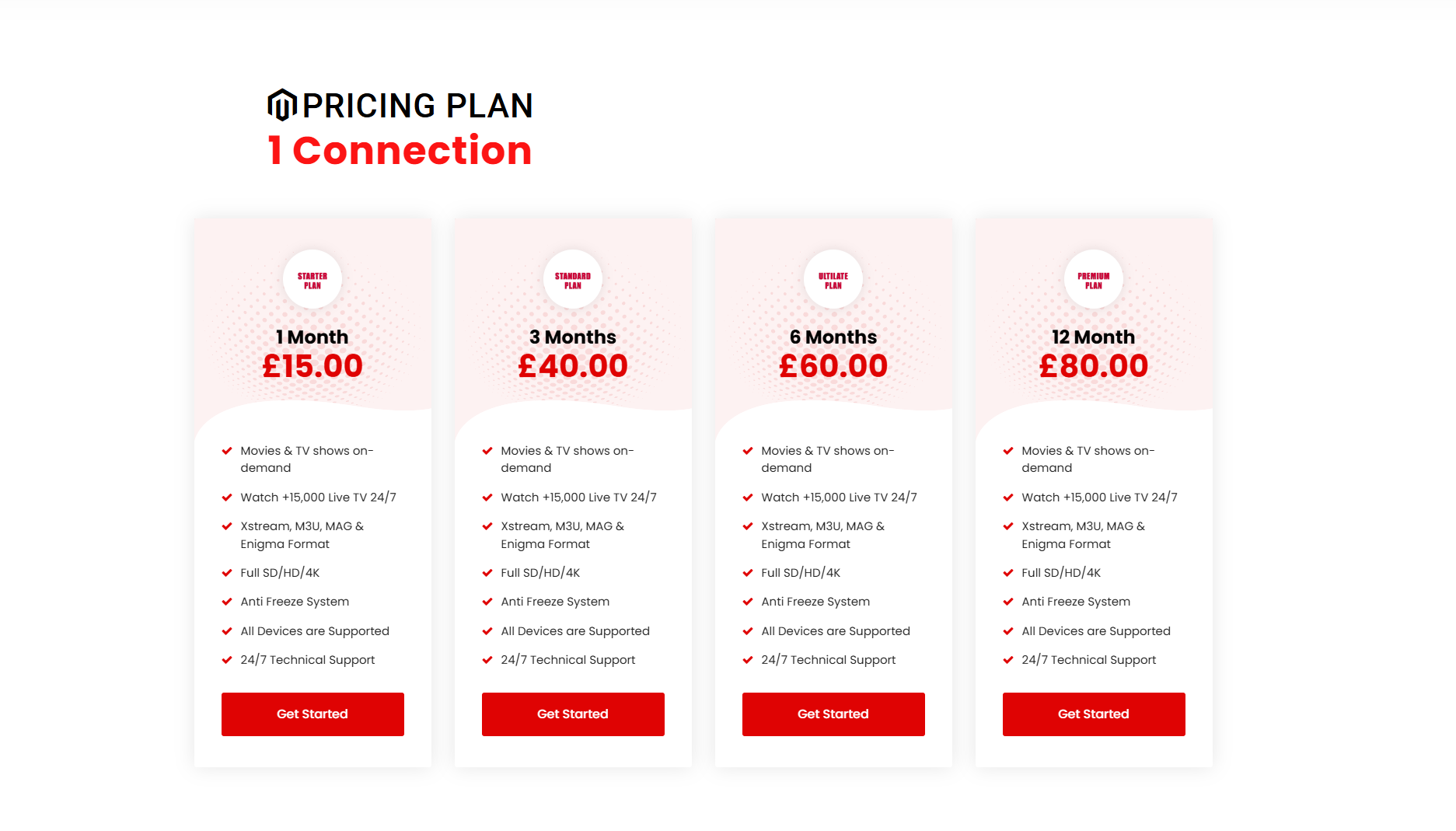
After selecting a provider, choose a subscription plan that suits your needs and budget. At 9Xtream, we offer flexible plans to accommodate different viewing preferences. Check our pricing page for more details.
3. Install the IPTV App
Once you have your subscription, you need to install the IPTV app on your device. This could be a Smart TV, tablet, smartphone, or computer. Follow these steps for installation:
- Visit the app store on your device and search for the IPTV app recommended by your provider.
- Download and install the app.
- Open the app and log in using the credentials provided by your IPTV service.

4. Configure the IPTV App
After installing the app, you need to configure it to start watching your favorite content. Here’s how:
- Enter the M3U URL or Xtream Codes provided by your IPTV service.
- Customize the app settings to match your preferences, such as video quality and subtitles.
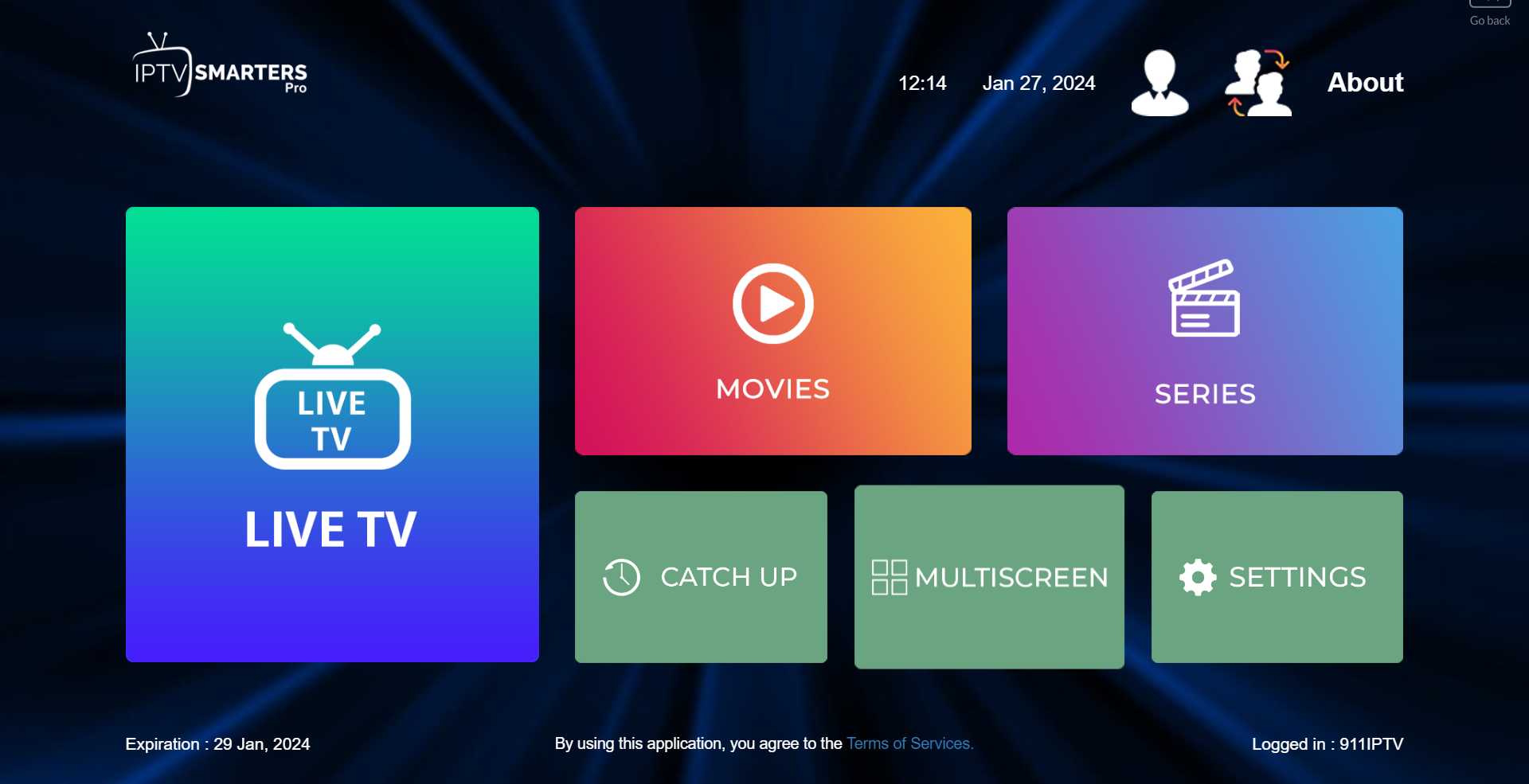
- Explore the app interface and familiarize yourself with its features.
5. Start Watching
With everything set up, you are ready to start enjoying your IPTV service. Browse through the available channels and on-demand content to find your favorite shows and movies. For any assistance, refer to the installation guide on our website.

For more information and a detailed installation guide, visit 9Xtream.